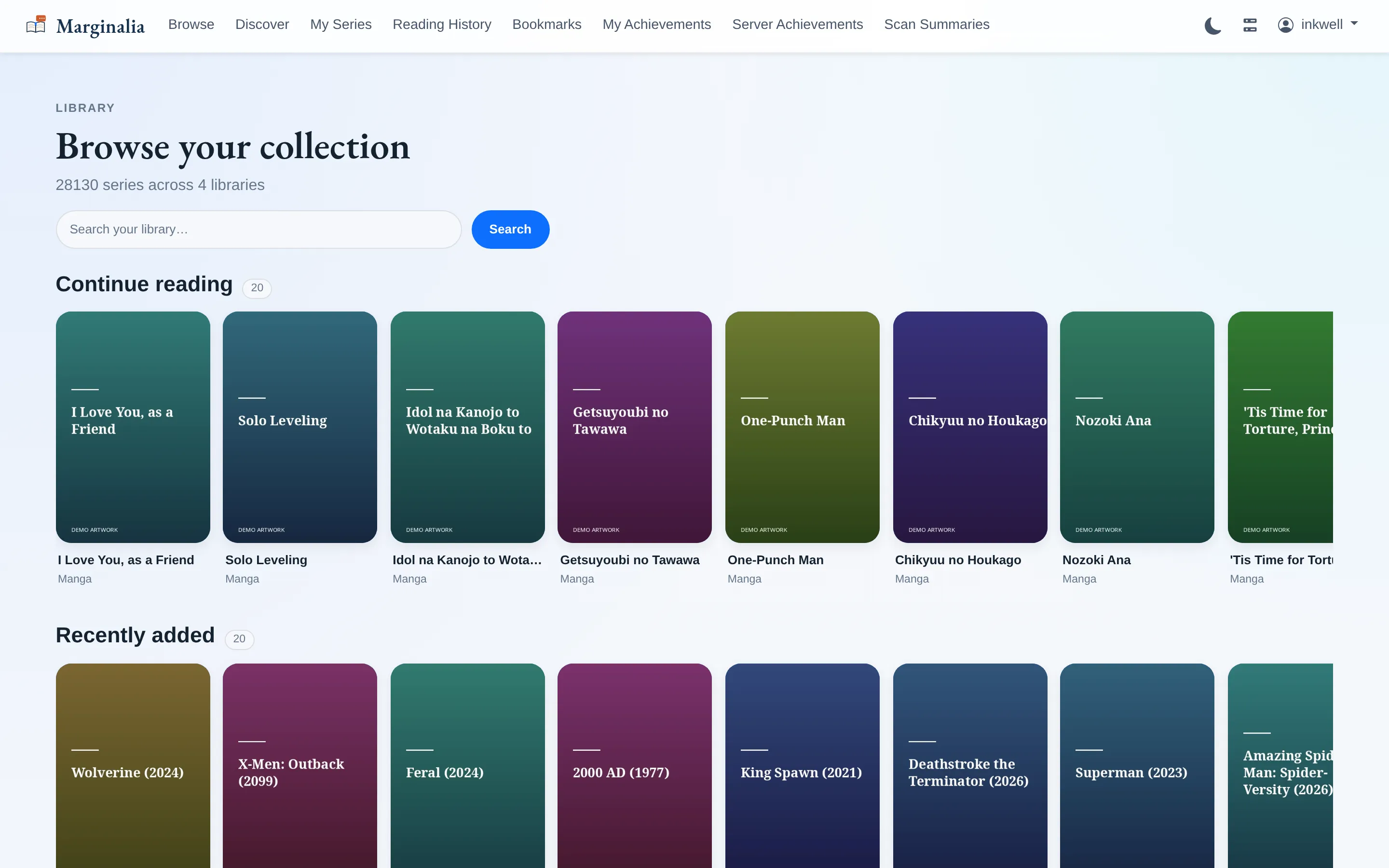
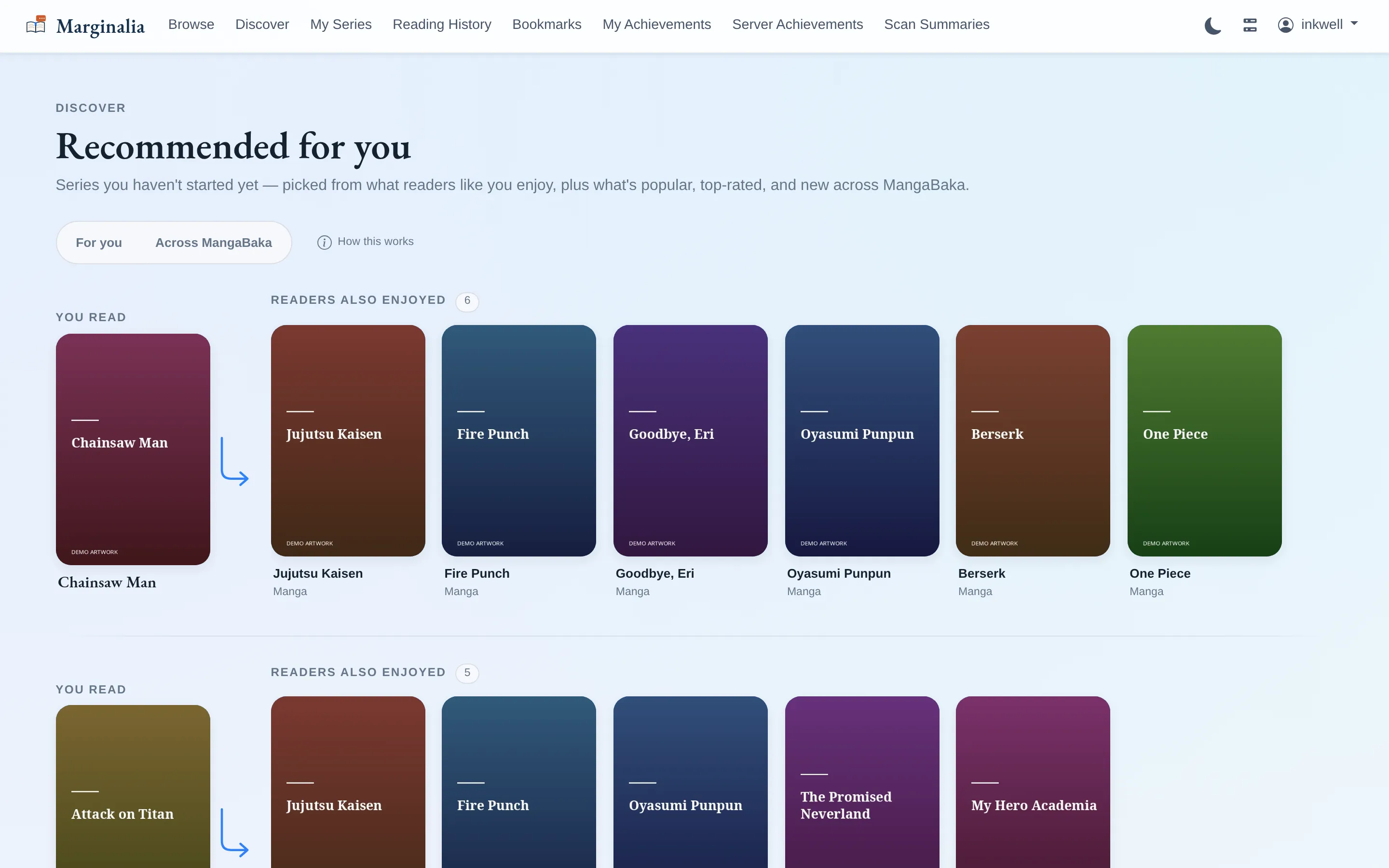
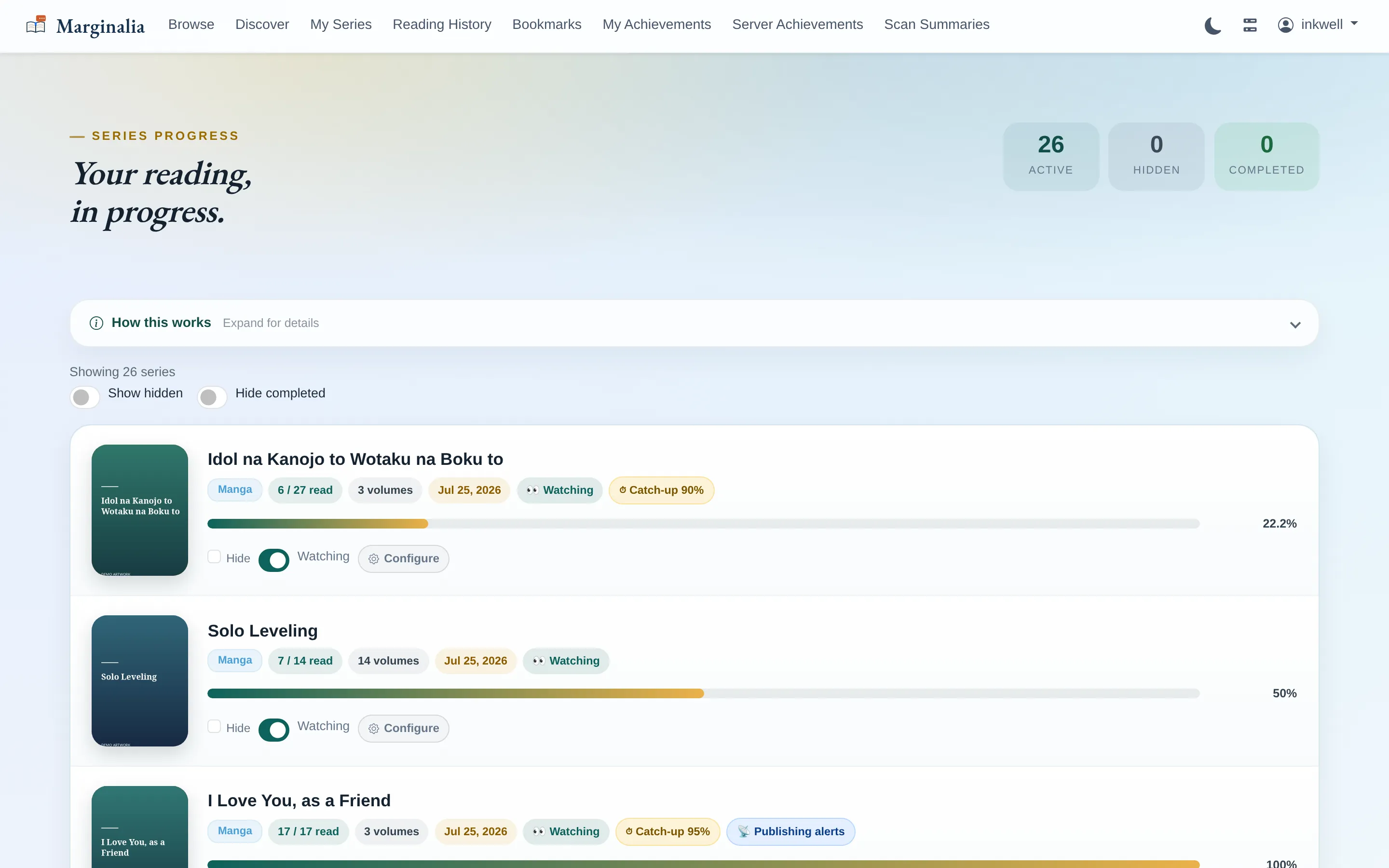
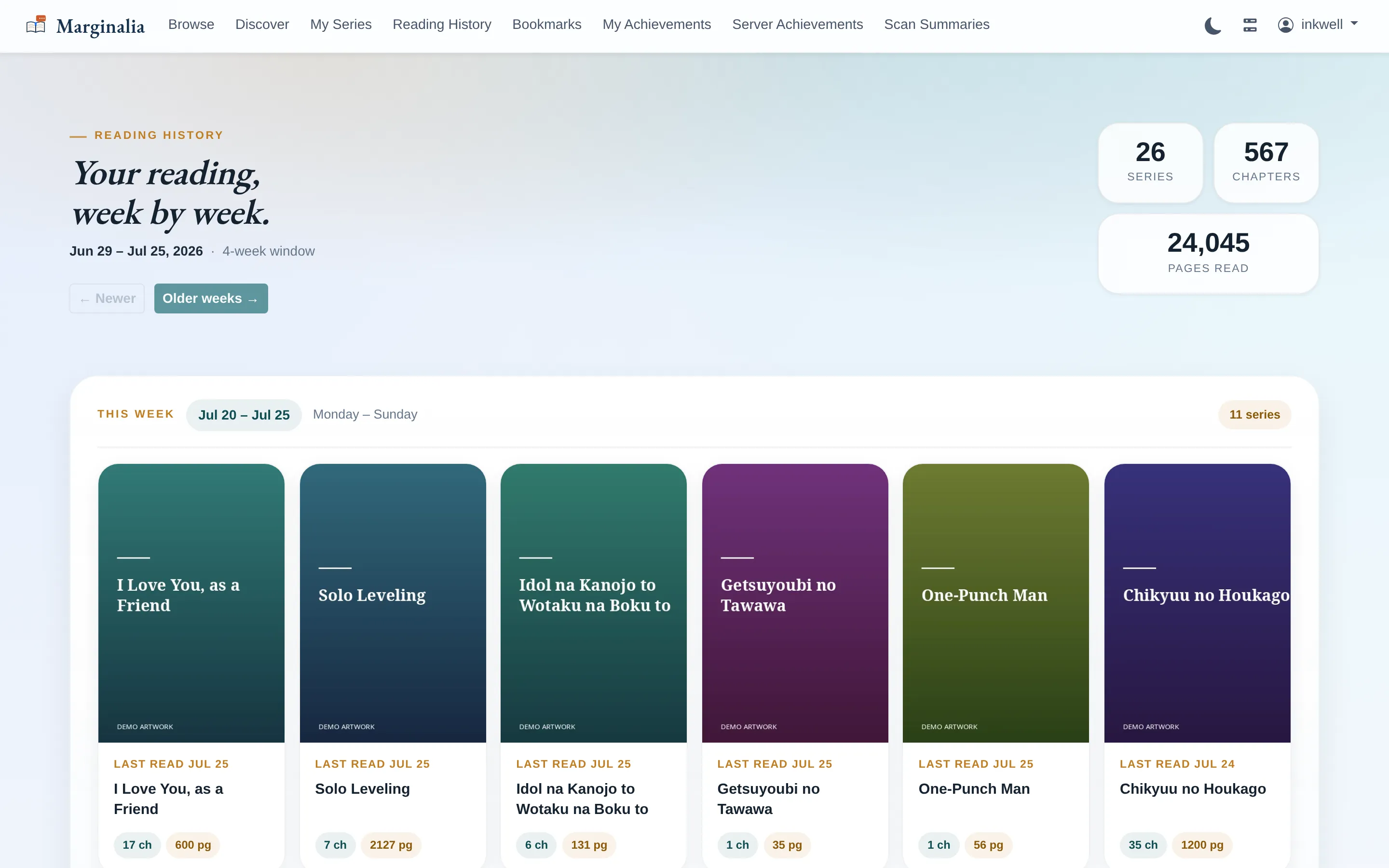
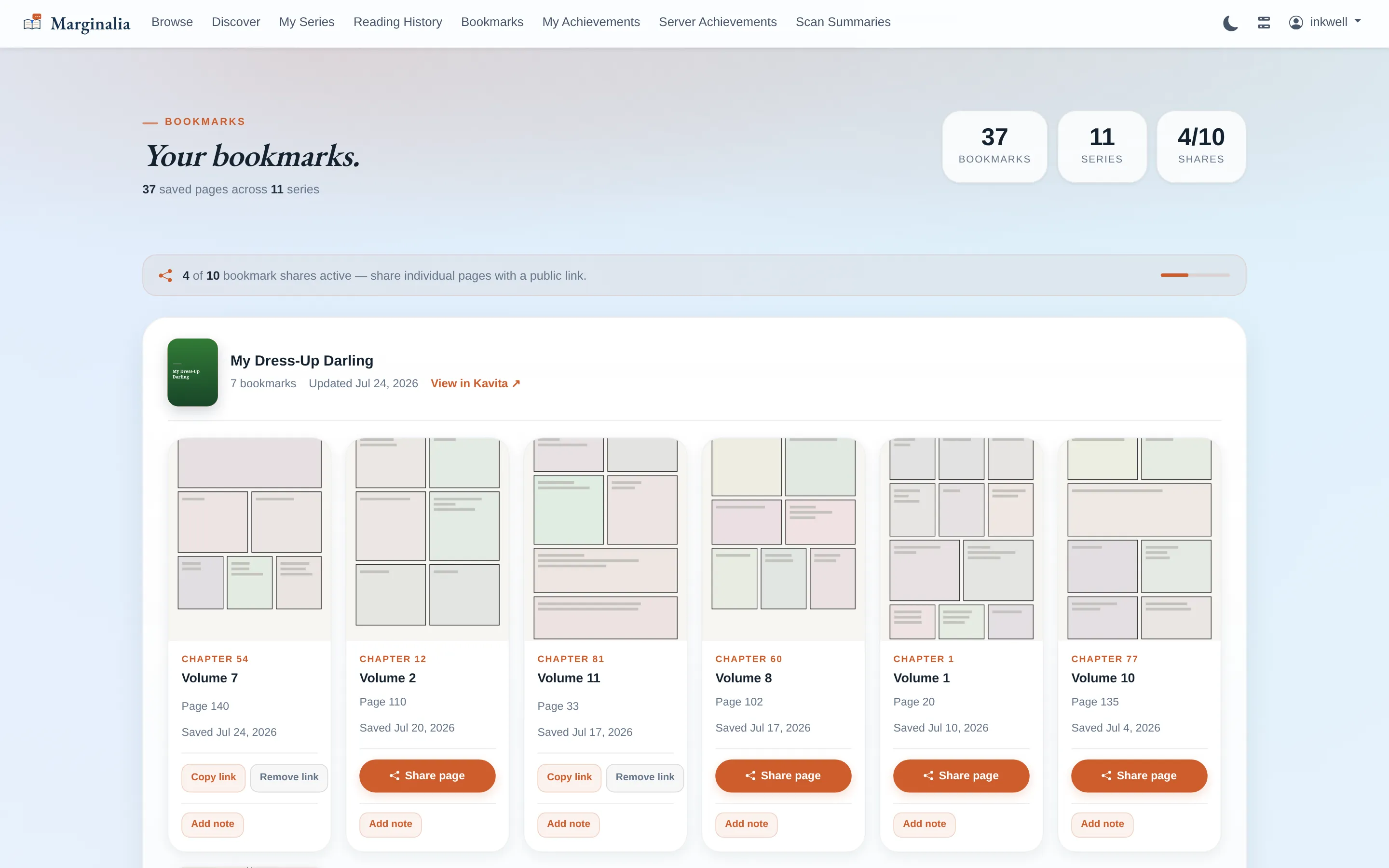
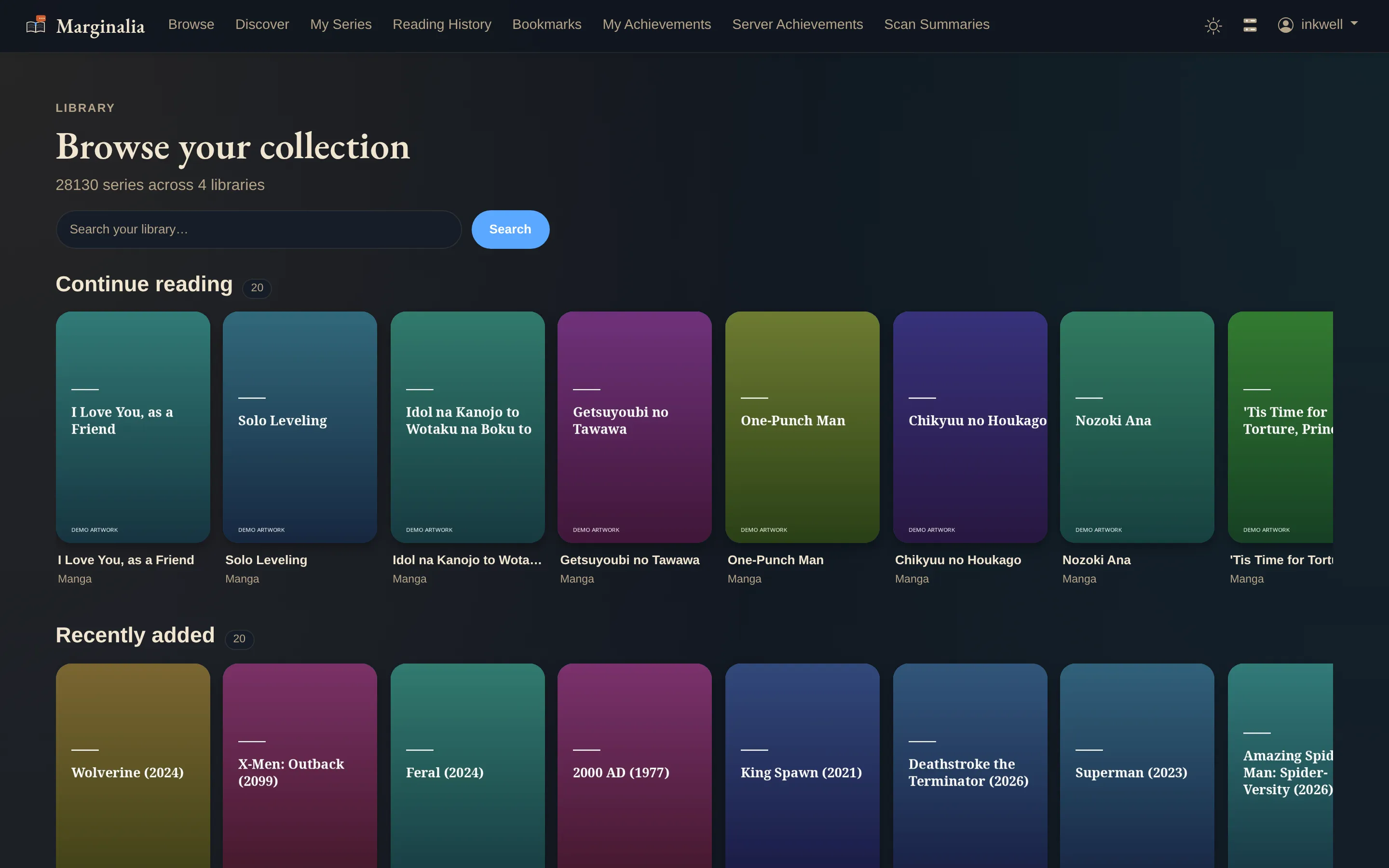
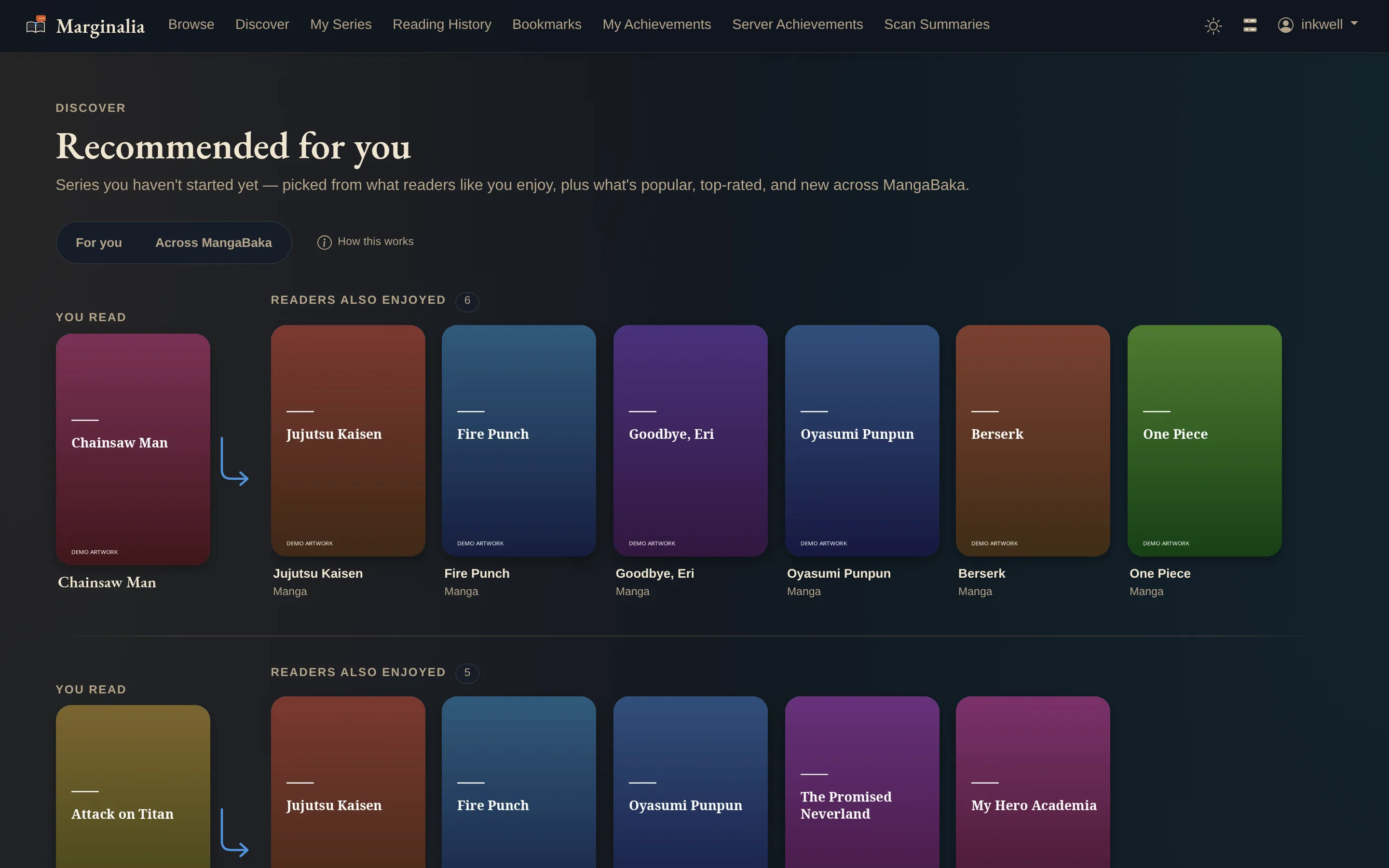
BrowseShelves across every library you can see: continue reading first, then recently added, then one shelf per library.DiscoverEach row starts from something you actually read — here Chainsaw Man — and shows what MangaBaka readers of that series also enjoyed, filtered down to series already on this server that you have not started. Nothing you would have to go buy.My SeriesEverything in progress, with a Watch toggle per series. The amber pills are catch-up thresholds — "ping me when this drops back below 90% read" — and publishing-status alerts fire when a series goes on hiatus or finishes.Reading historyWeek by week, paginated backwards. Chapters and pages counted per series, so "I read 24,045 pages in the last four weeks" is a fact rather than a feeling.BookmarksSaved pages grouped by series. Each one reopens at full size, takes a Markdown note, and can be published on a public share link — up to a per-user cap the admin sets.
Achievements
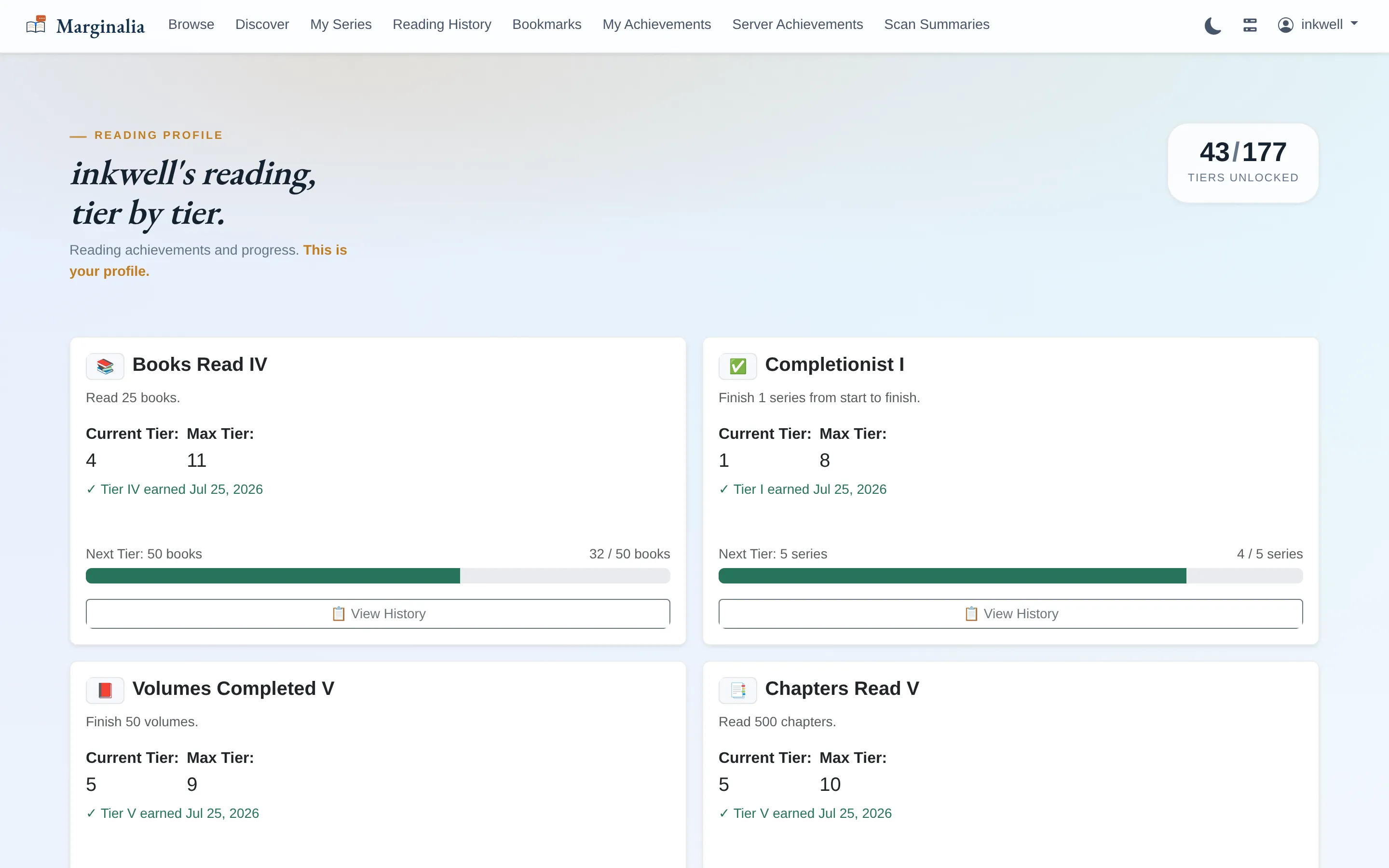
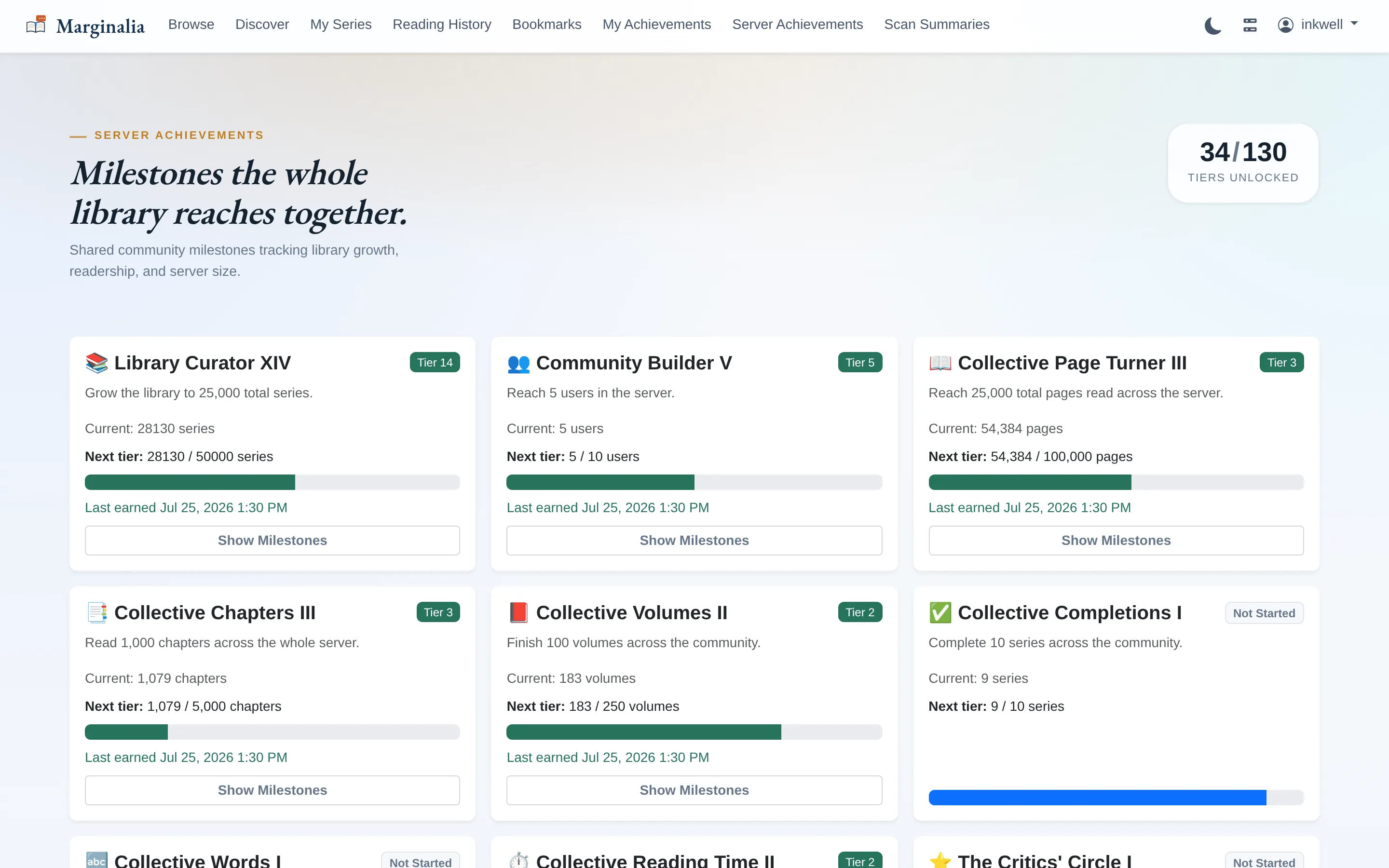
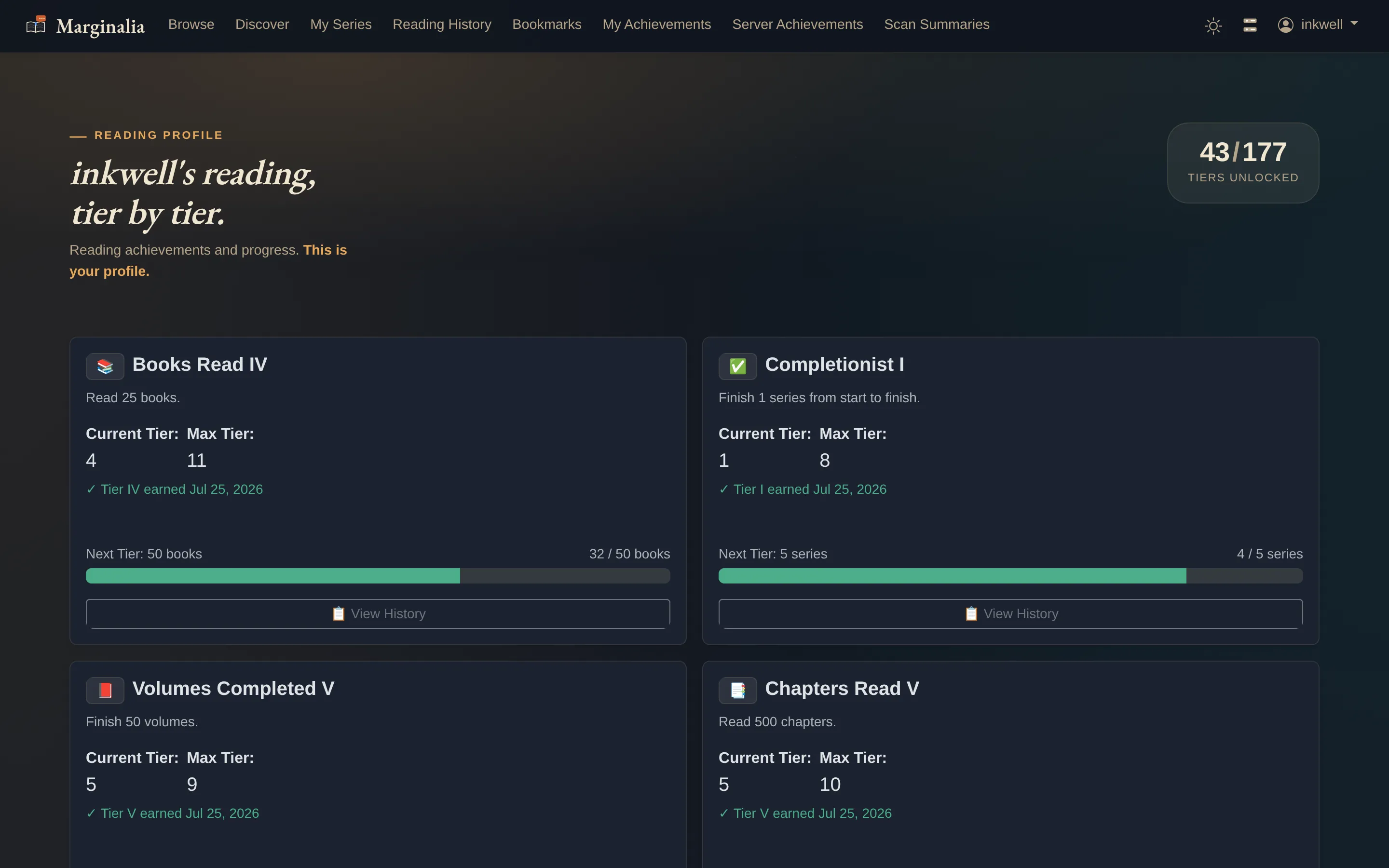
Your achievementsTiered families rather than one-shot badges: each card showing the tier you are on, the next threshold, and how far along you are. Every card can flip to the dates you earned each tier.Server achievementsThe same achievement system, but for everyone at once. Everyone on the server has goals to meet together.
Notifications
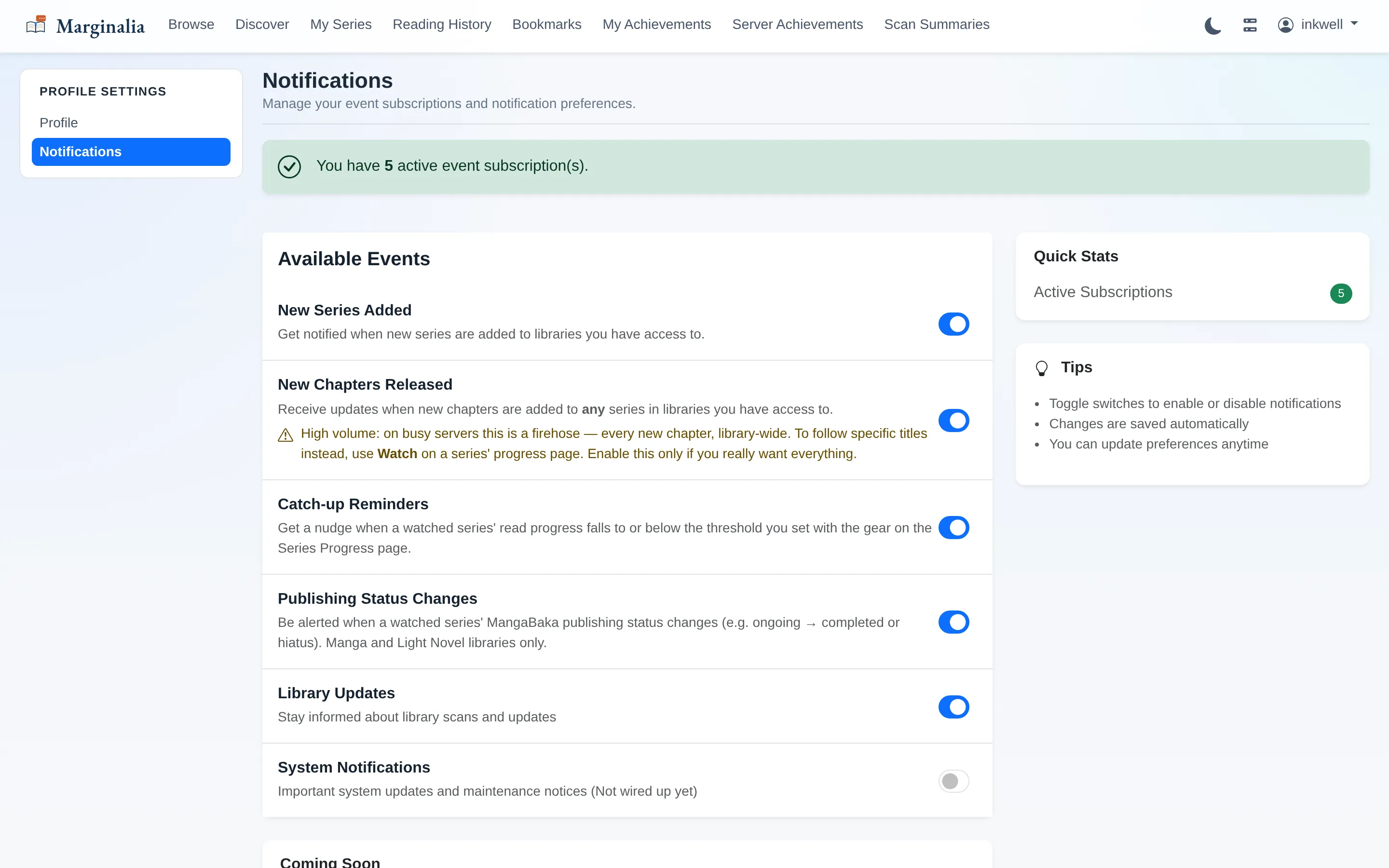
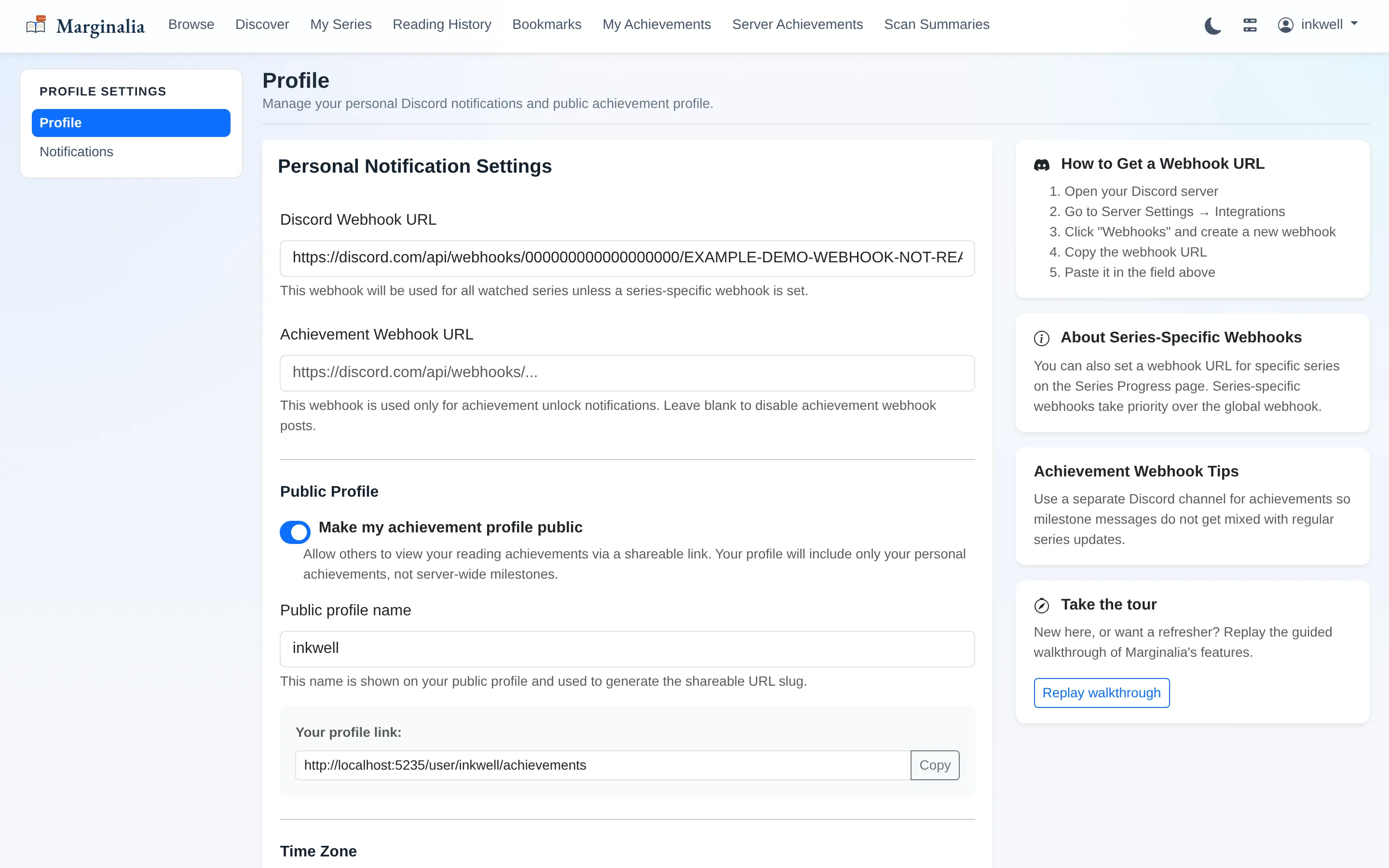
What you get pinged aboutSix independent event types, each toggled on its own. Note the warning on New Chapters Released — it is a library-wide firehose, and the UI says so rather than letting you find out at 3am.Profile settingsWebhook URL, timezone, public-profile slug, and whether your achievement profile is shareable.
Administration
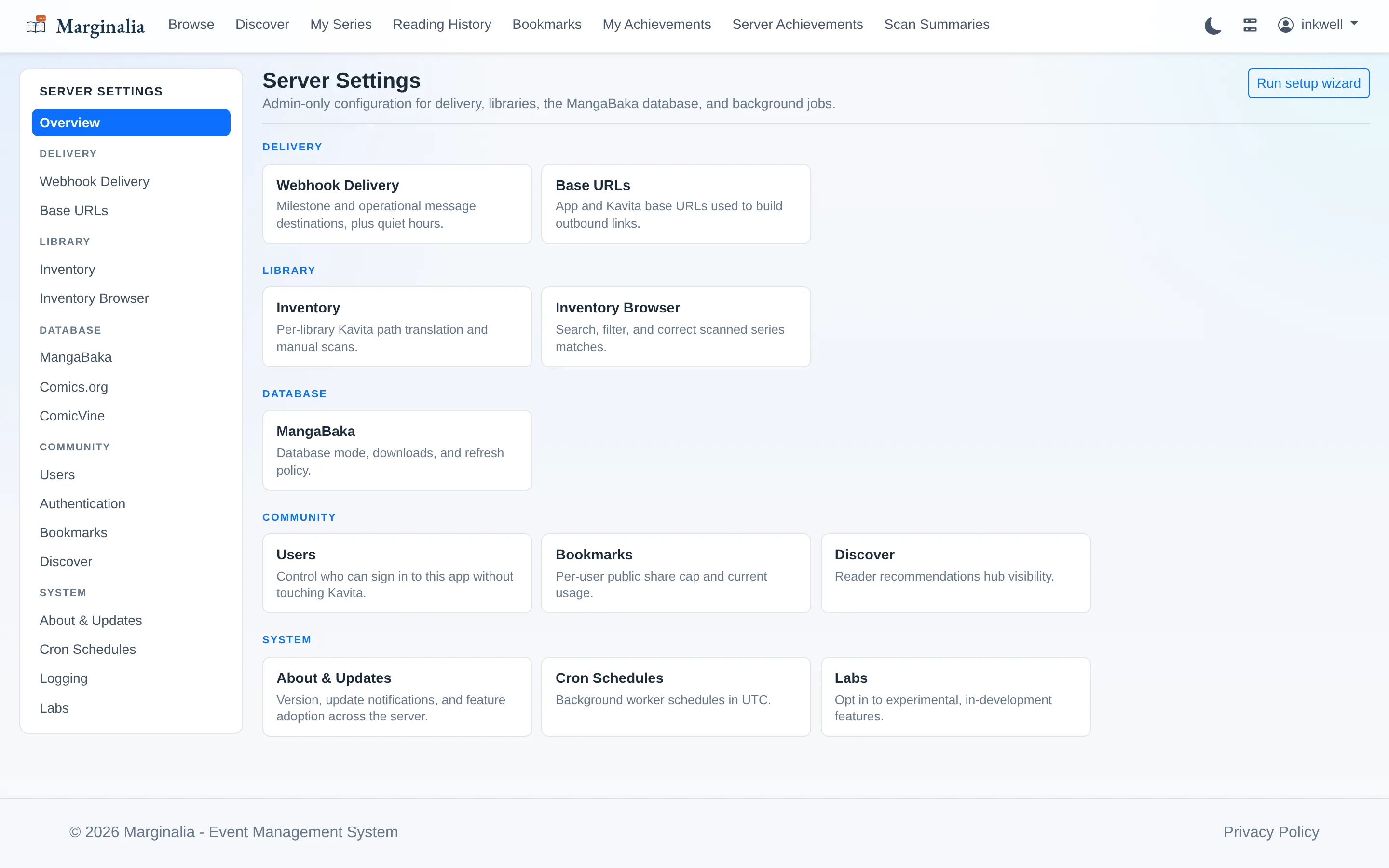
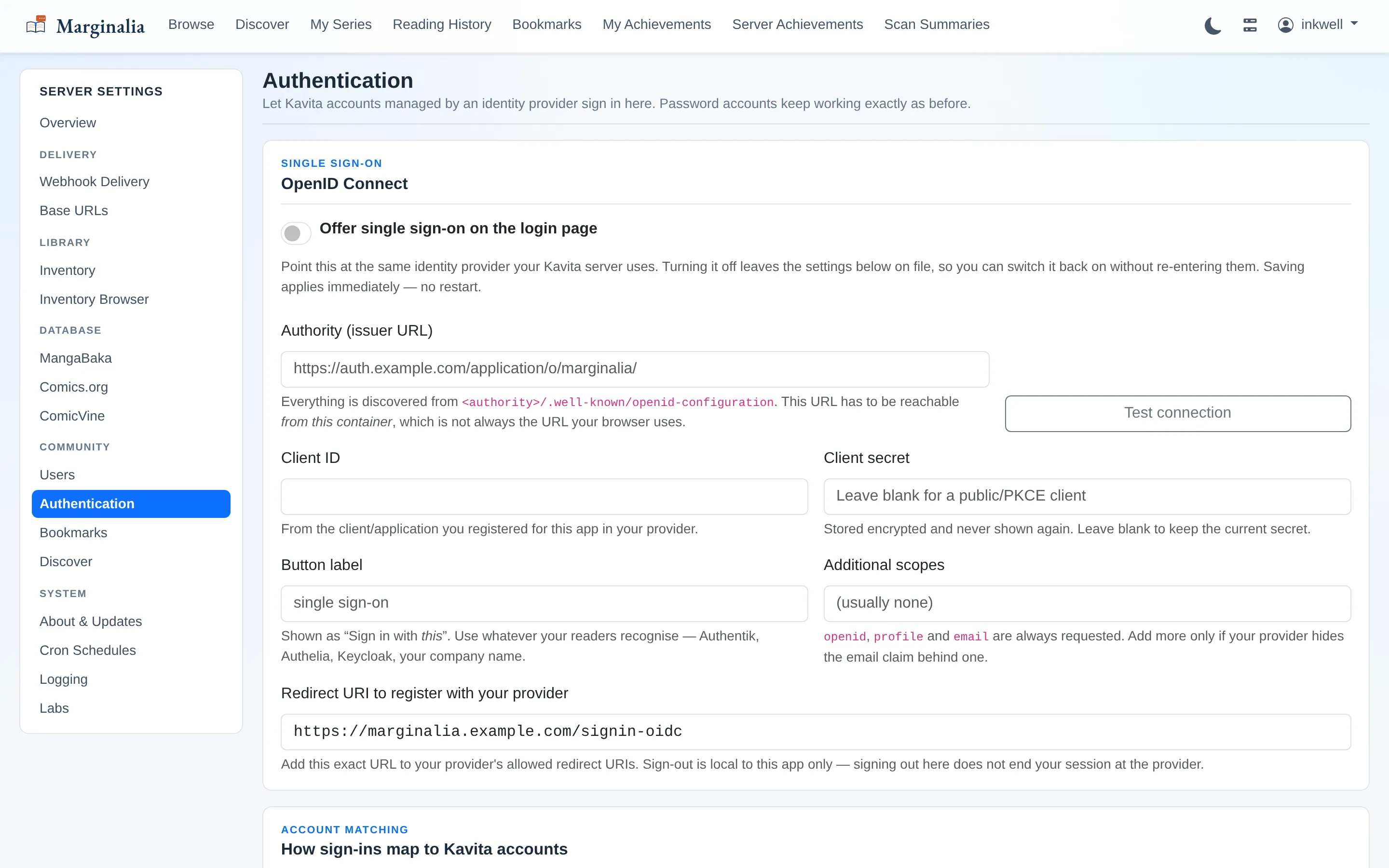
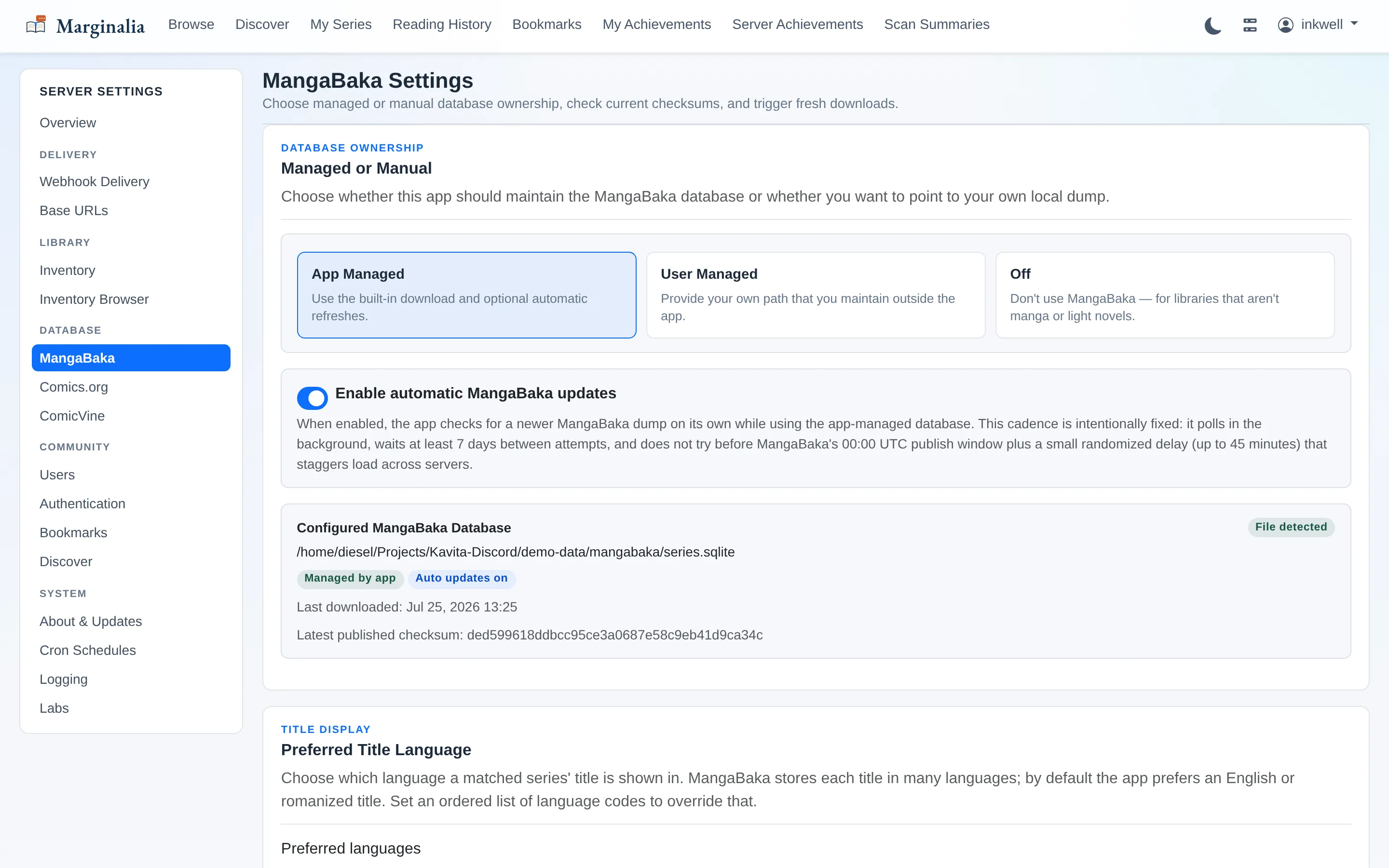
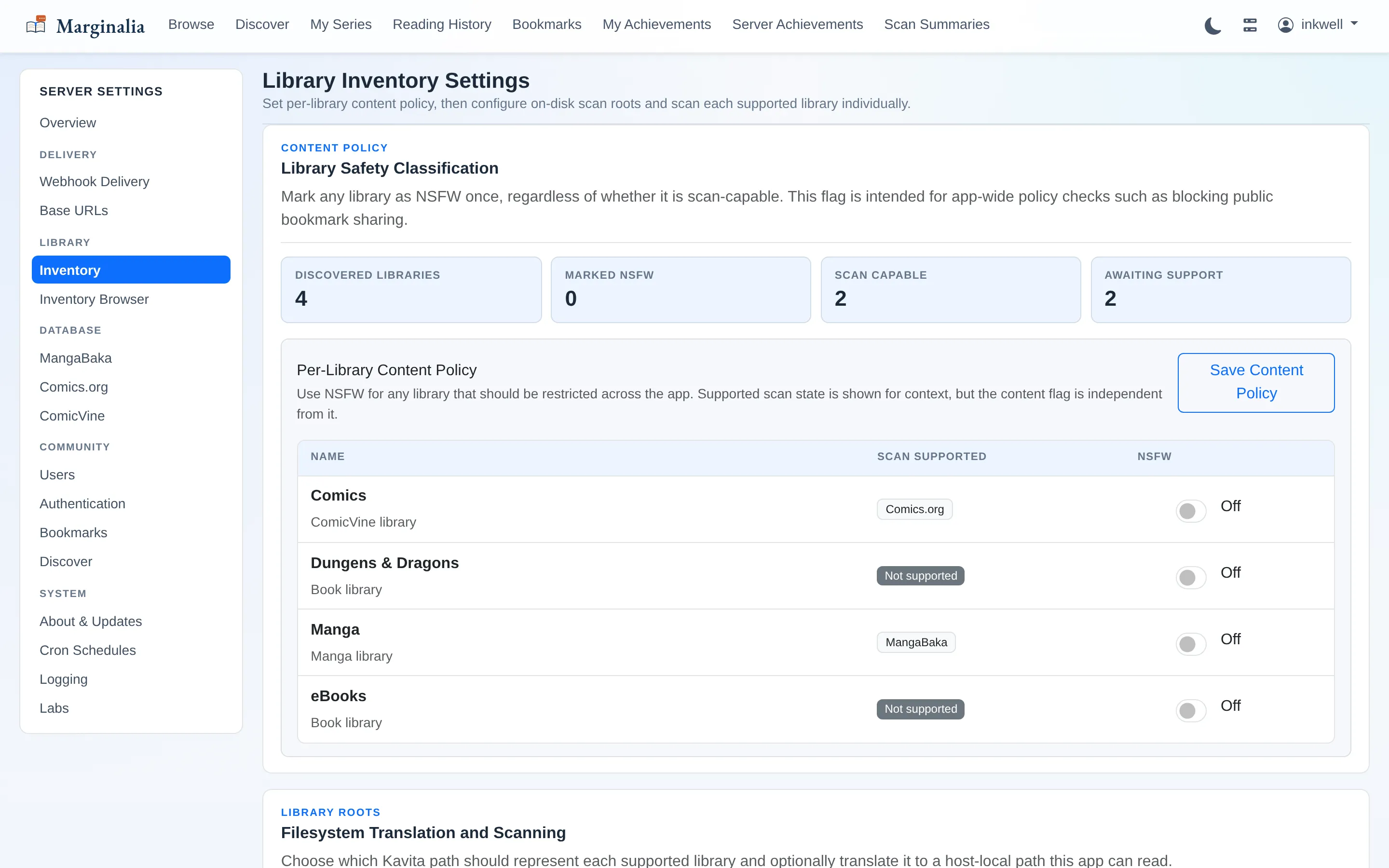
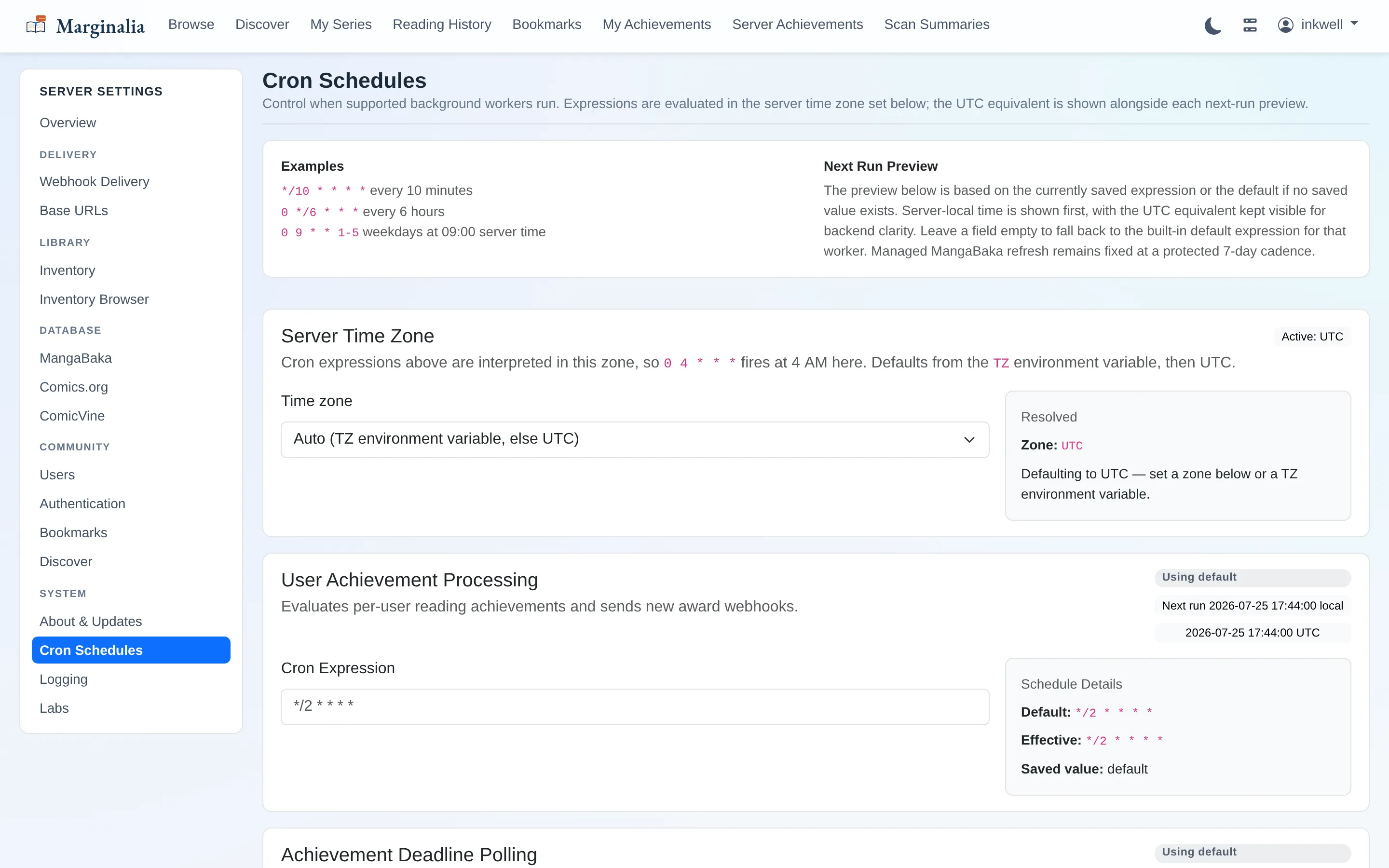
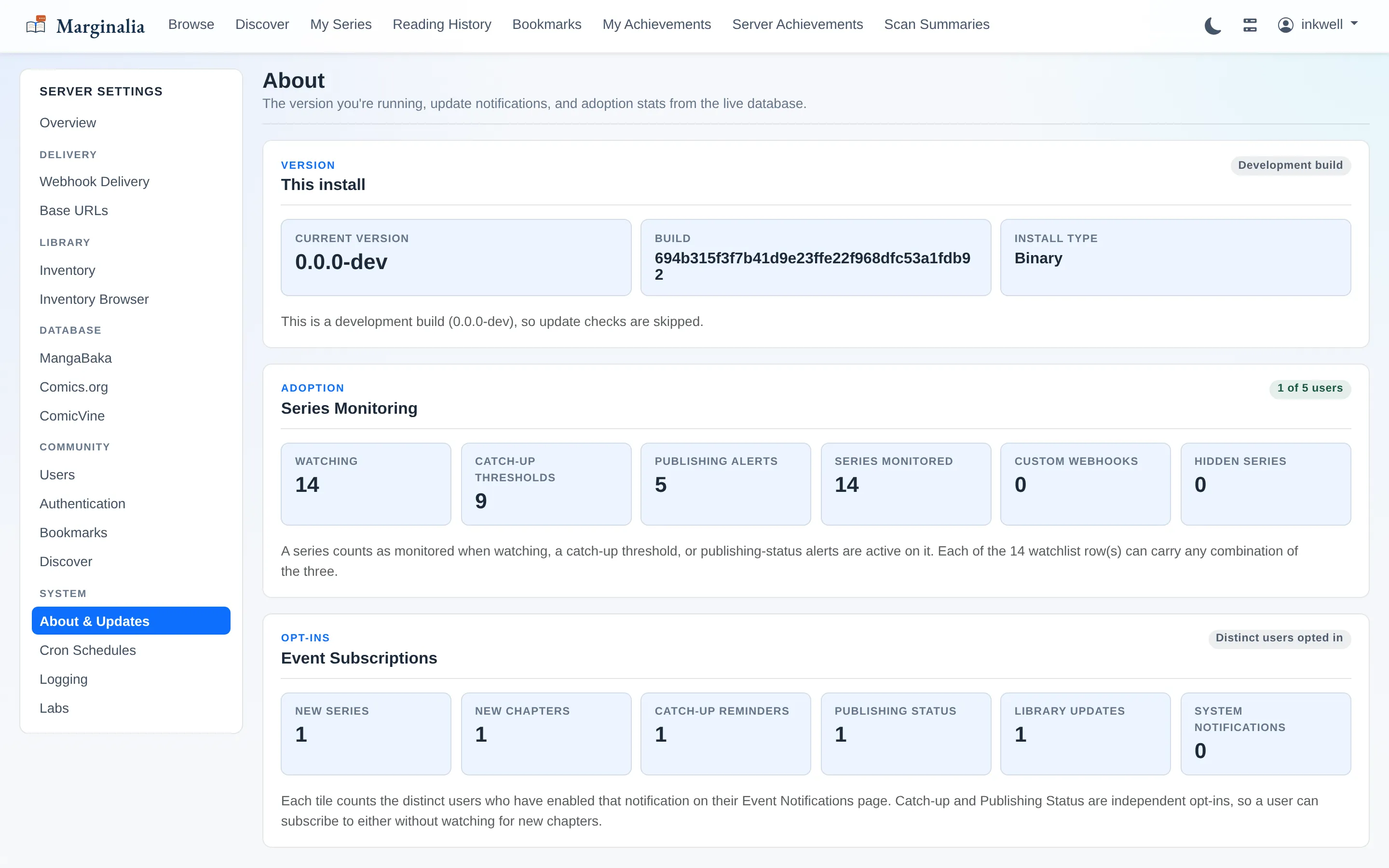
Server settingsAdmin-only, grouped by what you are actually trying to do. Everything here is optional — the app works with none of it configured.Authentication & SSOPassword sign-in needs no setup at all — it checks Kavita's own user table. This page is for installs where Kavita hands authentication to an identity provider: point Marginalia at the same provider and it matches readers back to their existing Kavita accounts. Applies immediately, no restart.Managed metadata databaseMarginalia keeps a local copy of MangaBaka so matching thousands of series is not thousands of API calls. Weekly checksum refresh, and it only re-downloads when the checksum actually moves.Inventory & path translationWhere you tell Marginalia that Kavita's /comics is really /mnt/storage/comics on this machine. Only matters for the features that read files off disk.Background jobsEvery background worker on a cron expression you control, evaluated in a server timezone you pick — so "3am" means 3am where the machine lives, not UTC.About & healthVersion, update state, and which features people on this server are actually using. Subsystem health reports here too; a critical failure drops the app to a maintenance page rather than serving something wrong.
Dark mode
Not a filter over the light theme — the palette is remapped, and it is the same set of design tokens either way. Toggled from the navbar, remembered per browser, with no flash of the wrong theme on load.